How it works
What happens when a child opens it
No setup, no account, no choosing a level. Tap Play.
A lesson picks the question, not a shuffle
The lesson your child is on supplies the questions, taking its three skills in turn so the kinds of problem interleave instead of arriving in blocks. Every fifth question is given up to whatever is waiting behind it: a skill due for review, a delayed check on something learned last week, or an earlier skill they never quite made their own.
A new kind of problem is shown first
Mom Sun works one out loud on the picture, step by step. Then one is done together, with the answer filled in and your child pressing Check. Only then is one their own. Any of it can be watched again later from the Lessons screen.
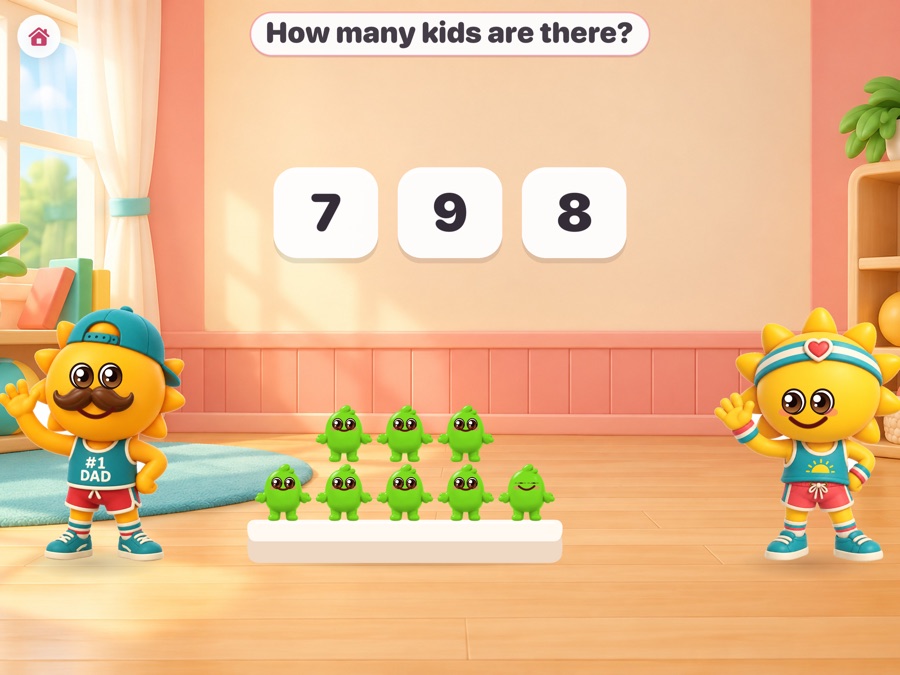
The question is spoken, and written
Every question, every hint and every worked step is read aloud from recorded lines, numbers included, with a button to hear it again. The same words are written above the problem. A child who cannot read never has to.
They answer whichever way suits them
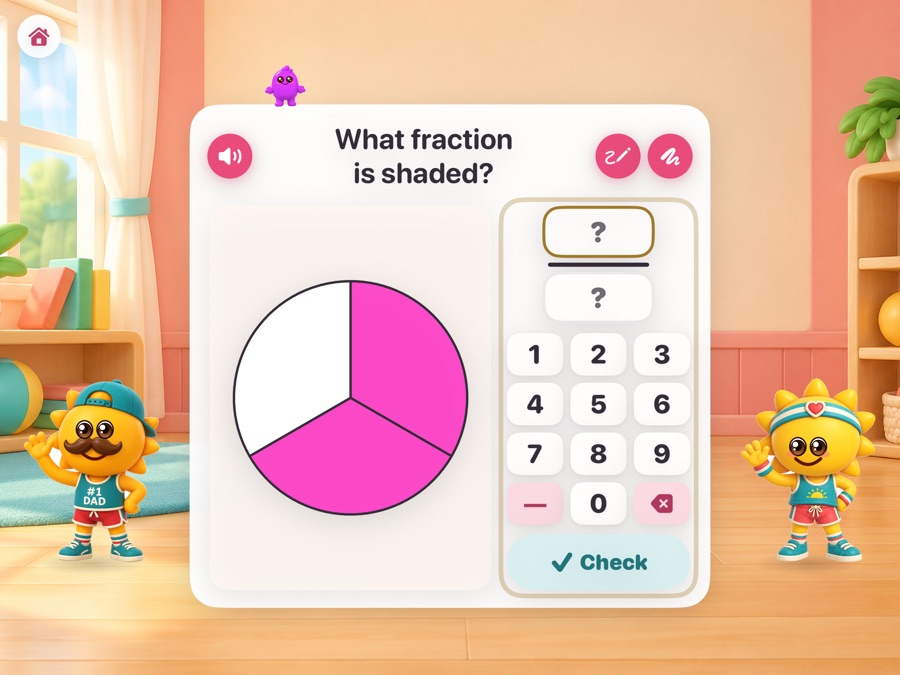
Tap a tile, type on the pad, build the answer on the picture, write it with a finger or an Apple Pencil, or say it out loud. A scratch pad is there for working it out. A grown-up chooses which of these are switched on.
A wrong answer moves the help up a rung
First the part of the picture the question is about lights up. Then a second picture of the same idea appears. Then one is worked out loud. Then it is solved together. Nothing is marked wrong in red and nothing is lost.
The mistake itself is diagnosed
Thirty-seven known mix-ups are built into the questions as the wrong answers they produce. Give one and the explanation is aimed at that mix-up, and the next question is built to test whether it was a slip or a pattern.
The lesson ends, and the next one opens
Twenty questions, then Mom and Dad wrap up and the card says which lesson comes next. Nothing tells a child they are done for the day, and nothing nags them to come back.
What counts as learned
A ladder, not a score
A skill moves up only on evidence, and only ever forward on it.
Acquired, then on their own
Five answers that count, across four different problems, makes a skill acquired. Four different problems solved with no help at all makes it theirs. An answer given very fast right after a wrong one never counts as evidence: that is guessing.
Transferred
Solving it in a form other than the one it was taught in, without help, is what shows the idea traveled rather than the picture being memorized. A multiple-choice tap is not enough on its own; it has to be right twice, on two different problems.
Secure
Right on a later day, then right again at least a week after that. Then it goes on the spacing schedule and comes back at one, three, seven, fourteen and thirty days. Two misses in a row and it goes back down, with the evidence rebuilt from scratch.
Built in
For every child in the room
Every question is read aloud and every picture is described, so VoiceOver reads the whole screen without ever saying the answer. Bigger touch targets, a left-handed layout, plain counters instead of characters, dots under every number, a slower pace between questions, and a hint offered after a long pause instead of only when asked. A child using VoiceOver or Switch Control is given the version of each skill they can answer.