Math from counting to fractions, one small skill at a time.
Kindergarten through grade 6, in 43 numbered lessons your child can follow on their own. Every question is read out loud, so they never have to read to play.
Coming to the App Store for iPad and iPhone. One email when it lands, and nothing else ever.
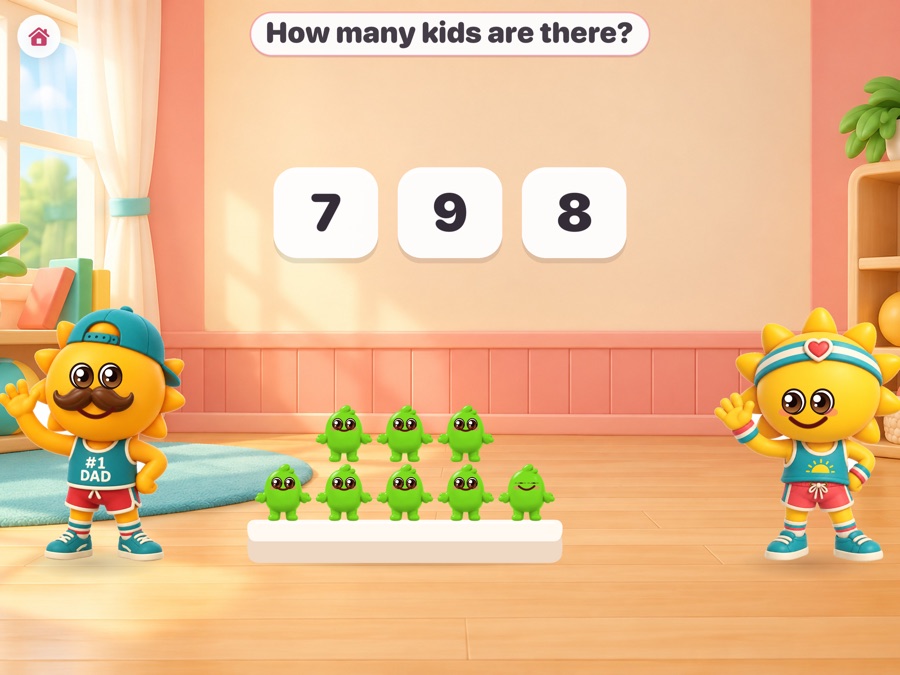
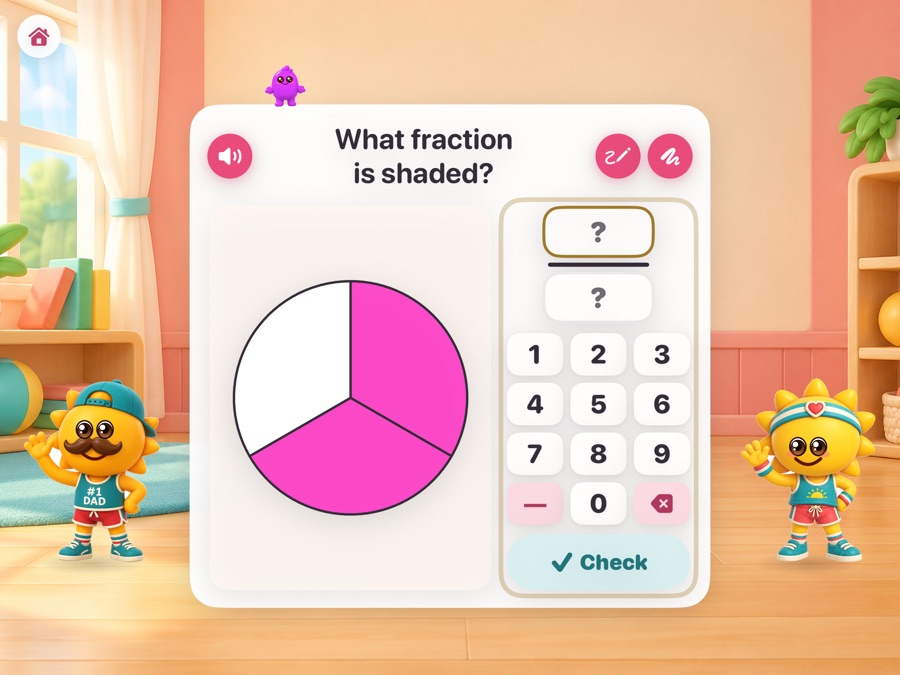
Lesson 1, on an iPad. Dad Sun counts; Mom Sun asks.
What it is
A course, not a pile of worksheets
Most math apps hand a child a stream of questions. This one has an order, and it tells you where your child is in it.
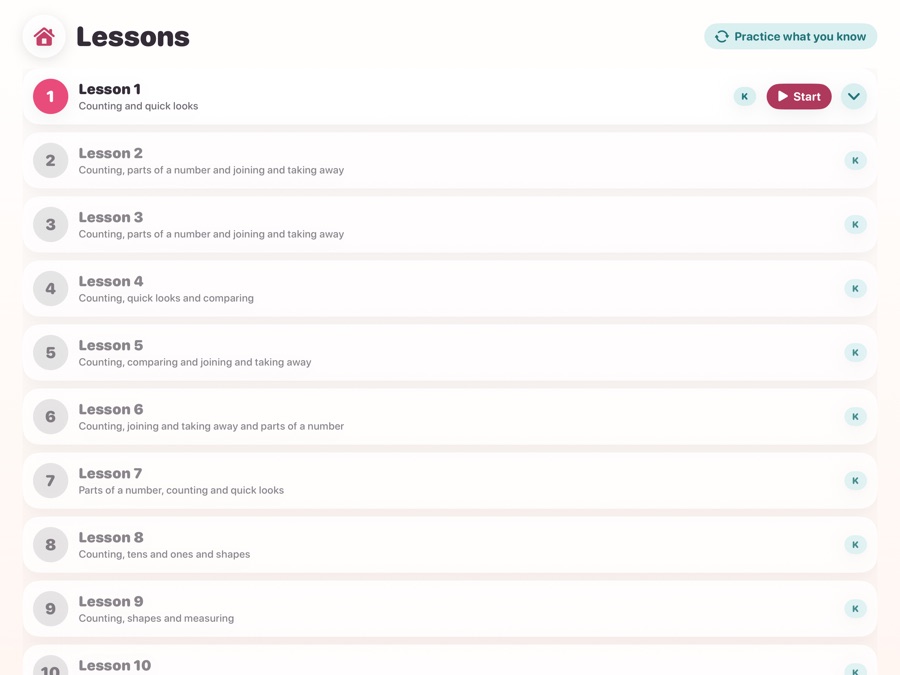
Lessons, in order
Lesson 1 opens on the first launch. Each lesson teaches three new things from different subjects, brings back earlier work as practice, and opens the next when its questions are answered. Nothing is locked behind a purchase and nothing expires.
It shows before it asks
Mom Sun works a new kind of problem out loud first, on the same picture your child is about to use. Then one is done together. Then it is their turn. Any lesson can be watched again.
Learned means learned
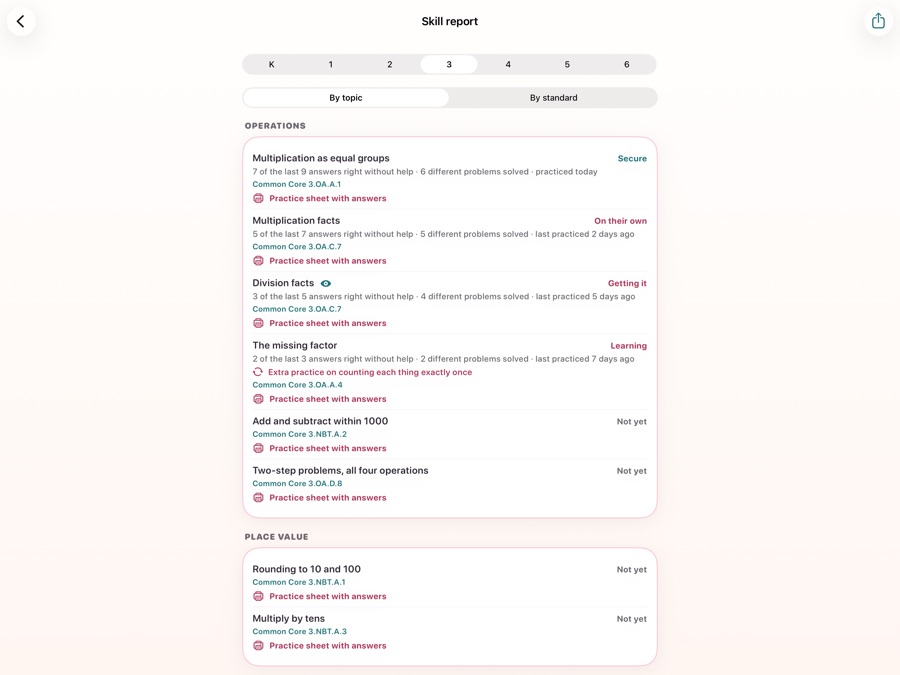
A skill counts as your child's own only when they solve it without help, in more than one form, and again on later days. What is still shaky comes back inside later lessons until it sticks.
For a child who cannot read yet
Every question is spoken
Not a robot voice reading a label. Three thousand recorded lines, in two voices, including every number and every worked step of every hint.
Mom Sun asks
She reads the question, the hints, the worked steps and most of the praise. There is a button to hear any of it again, and the question is written above the problem too, for a child who can read, for a grown-up, and for playing with the sound off.

Dad Sun counts
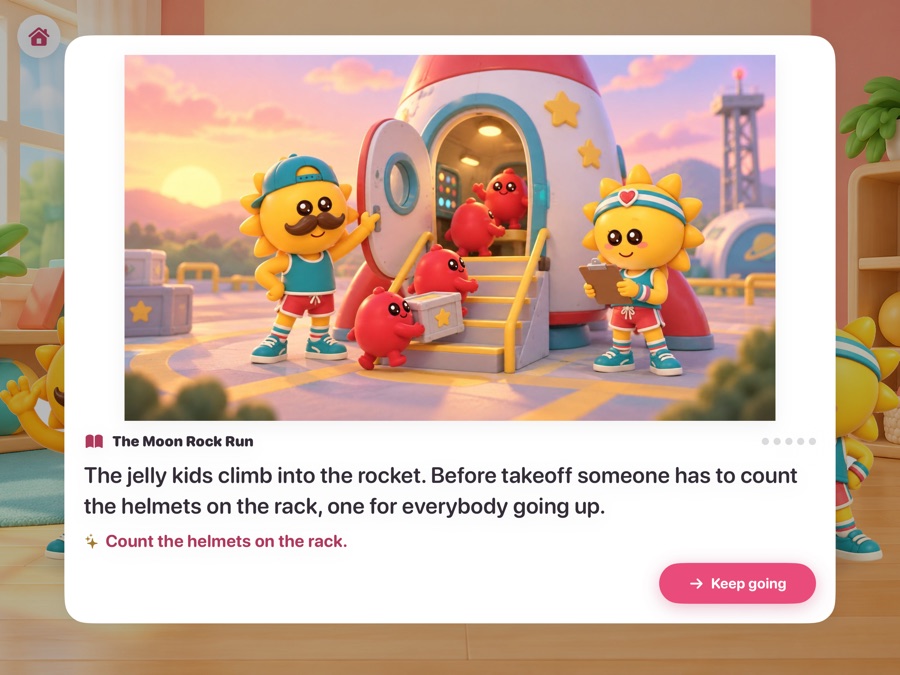
He says the numbers as the counters come up one at a time, reads the adventures, and takes about one cheer in three, so both of them are in the room rather than one standing mute.
Take a look
Pictures that explain
Jelly kids, ten frames, number lines, base-ten blocks, fraction bars and circles, arrays, clocks, coins, rulers, bar graphs, dot plots, the coordinate plane and balance scales. On many problems your child builds the answer on the picture instead of typing it.
When it goes wrong
Mistakes become hints
No red X, no score, no timer, no lives lost.
Four rungs of help
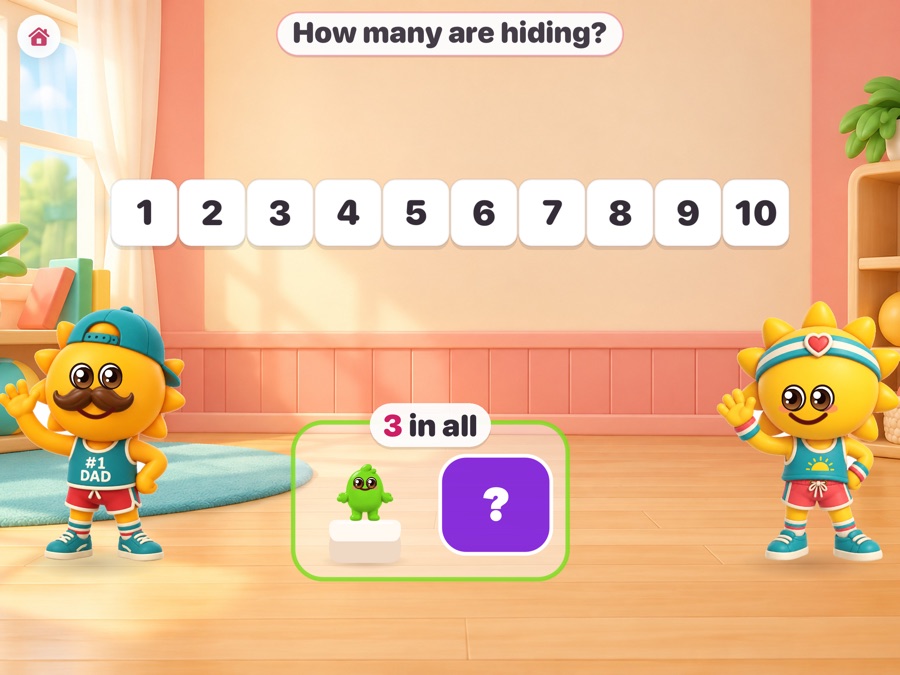
A wrong answer brings the next hint: the part of the picture the question is about lights up, then a second picture of the same idea, then one is worked out loud, then it is solved together. Asking costs nothing except that the question stops counting toward mastery.
Aimed at the actual mistake
Adding the bottom numbers of two fractions, answering with the number that went away, reading the hour the clock has not reached yet: the app knows thirty-seven of these and says something aimed at the one your child made, not a general nudge.
Then it checks
One suspicious answer is only a hypothesis, so the next question is built to test it. If it happens again the pattern is confirmed, and practice aimed at it comes back inside later lessons.
More when they want it
There is a lot in here
Puzzles and quick facts
A puzzle set for every grade: patterns, which one does not belong, two-step problems and number riddles. Quick fact games for adding, taking away, times tables and division, with the round timer off unless a grown-up turns it on.
Adventures and rooms
Eight stories where each problem solved moves the adventure on, and thirteen rooms that open as skills are learned: a treehouse, a bakery, a rocket, an aquarium. Your child picks where to play.
Badges worth having
Twenty-three of them, for things that are actually hard: a hundred problems solved on their own, every skill in a grade, ten lessons finished, a fraction skill made their own. Nothing is ever taken away once it is earned.
Privacy
It has no server at all
Not "we do not sell your data". There is nowhere for it to go.
No answer leaves the device
What your child answers is evidence for the app on the iPad it was answered on. It is not in iCloud, not on a linked device, not sent to a teacher, and not sent to us.
Nothing is recorded
Saying an answer out loud is understood on the device and never kept. A grown-up's own recorded praise lines stay in the app on that device and are kept out of its backups.
Nothing to sign up for
No accounts, no ads, no analytics, no tracking, no third-party code. Progress stays in your own iCloud and on the devices you link yourself.
For grown-ups
You can see exactly where they are
Behind a gate a young child cannot pass: four numbers written out in words, typed back as digits.
When it is out
One email, then nothing
Momitor Math is free and will stay free. Leave an address and we will tell you the day it is on the App Store.